
ARTISTS
Artists using CREATIVE DIST.
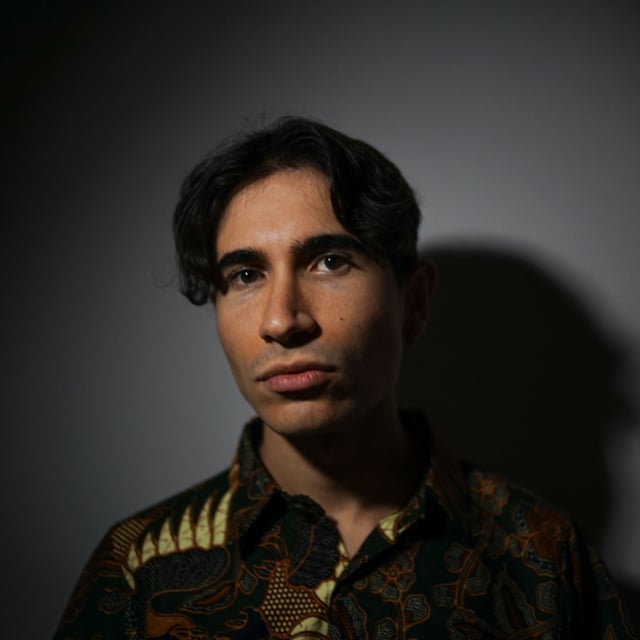 Aurelios
DJ & Producer, Spinnin' Records, Revealed, Musical Freedom
Aurelios
DJ & Producer, Spinnin' Records, Revealed, Musical Freedom
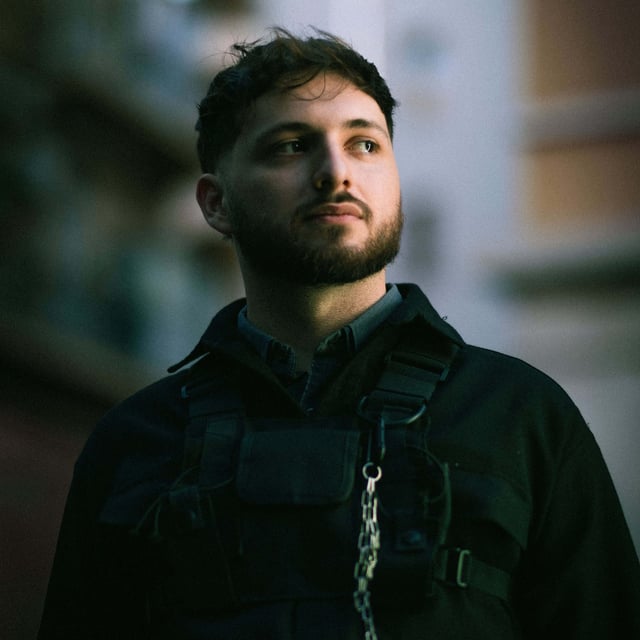 Tokyo Project
Producer & songwriter, CloudKid
Tokyo Project
Producer & songwriter, CloudKid
 NiceKidd
Producer, 333 Mob
NiceKidd
Producer, 333 Mob
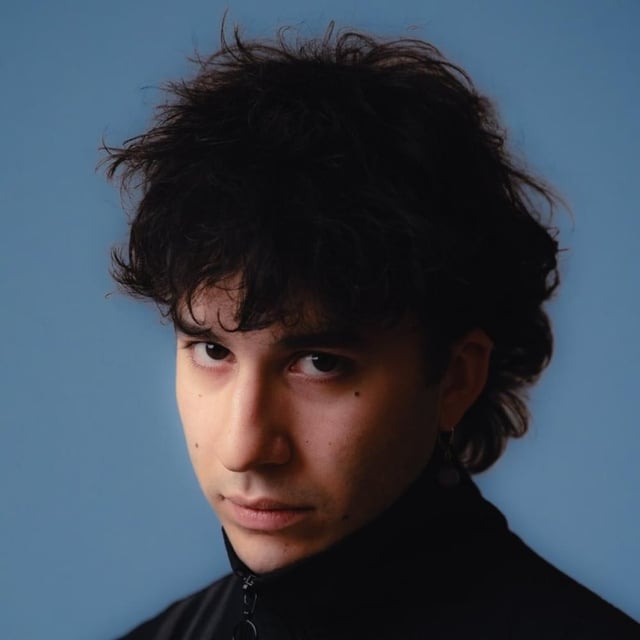 Cripo
Producer, ANNA, Angelina Mango, Emis Killa, Fedez, Rose Villain
Cripo
Producer, ANNA, Angelina Mango, Emis Killa, Fedez, Rose Villain
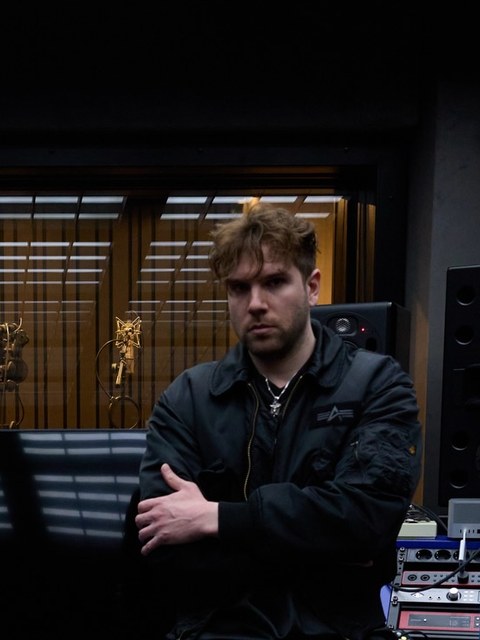 LAX
Producer, Tony Effe, Pyrex
LAX
Producer, Tony Effe, Pyrex
 andrë
Producer, Spinnin' Records, Revealed
andrë
Producer, Spinnin' Records, Revealed
 IRON
Producer, Monstercat
IRON
Producer, Monstercat
 Exa
Producer, Suspect, Néza, Vale Pain, Flaco G
Exa
Producer, Suspect, Néza, Vale Pain, Flaco G
GET IT
Simple, one-time pricing.
- 3 assignable slots: Saturation, Noise, Bode Shifter
- 5-band EQ, switchable Pre/Post, with Linear Phase mode
- Auto Gain output stage
- Full preset management + randomization
- Free updates
- No session time limit
- 3 assignable slots: Saturation, Noise, Bode Shifter
- 5-band EQ, switchable Pre/Post, with Linear Phase mode
- Auto Gain output stage
- Full preset management + randomization
- Free updates
- No session time limit (30 min per session)
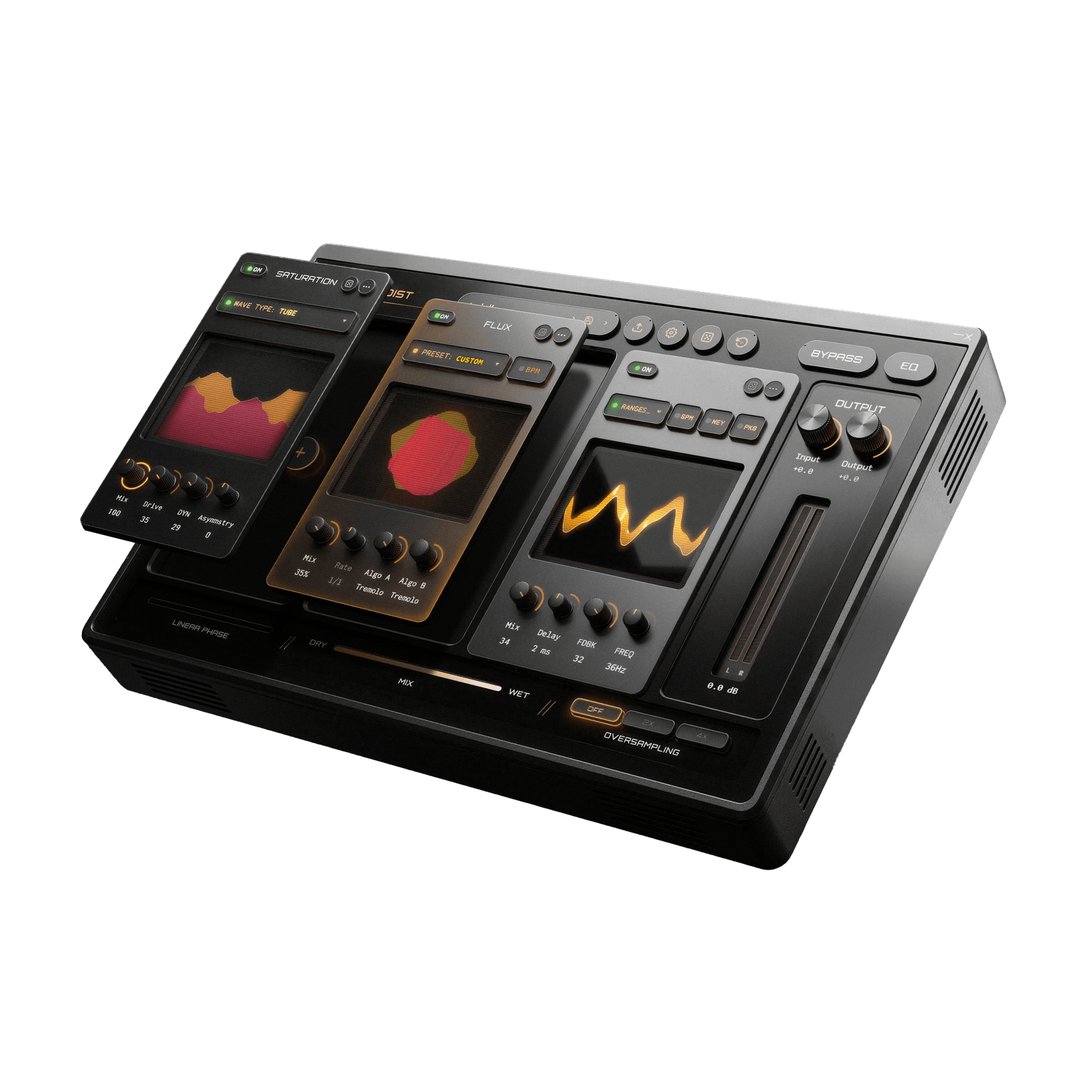
COMMUNITY
CREATIVE DIST 2.0
Used by artists worldwide, join them. Hover a video to watch it, tap the speaker icon for sound.
Saturation
18 saturation modes.
From glowing tube warmth to brutal bitcrushed digital decay, now joined by tape, wavefolding, rectifier and exciter characters. Drive reacts to your signal's loudness with DYN, Asymmetry adds tube-like imbalance between half-cycles, and BassProtect and HarshnessGuard quietly shield your low end and your highs from the heaviest settings, even at maximum Drive.
- Tube · Soft Clip · Asym · Diode · Overdrive · Hard Clip
- Linear · Digital · Foldback · Sine · Bitcrush · Downsample
- X-Shaper · Dual Shaper · Tape · Wavefolder · Rectifier · Exciter
- Drive, Mix, DYN, Asymmetry
- PAR (hear this module isolated from the rest of the chain)

Noise
Procedural noise texture.
Five procedural noise types layered underneath or on top of your sound, shaped with its own high-pass/low-pass filtering and pitch up to ±32 semitones. Leave it on Loop for a continuous bed, or switch to 1-Shot and it retriggers on every incoming transient, locked to the rhythm of what you play.
- White · Pink · Brown · Vinyl Crackle · Digital
- Amount, H.P. / L.P., Pitch (±32 st)
- Loop / 1-Shot (transient-triggered)
- PAR (hear this module isolated from the rest of the chain)

Bode Shifter
Spectral frequency shifting.
Shift the whole signal up or down in frequency, not pitch, for metallic, inharmonic, unmistakably synthetic textures. Key Follow locks that shift to the pitch of whatever note comes in instead of a fixed Hz value. Delay Time syncs to your DAW's tempo, Feedback pushes it into self-oscillating territory, and Mix blends it back with the clean signal.
- Frequency + 6-position Range (200Hz–5000Hz)
- Key Follow (tracks the incoming note's pitch)
- Delay Time (free or tempo-synced)
- Feedback
- Mix
- PAR (hear this module isolated from the rest of the chain)

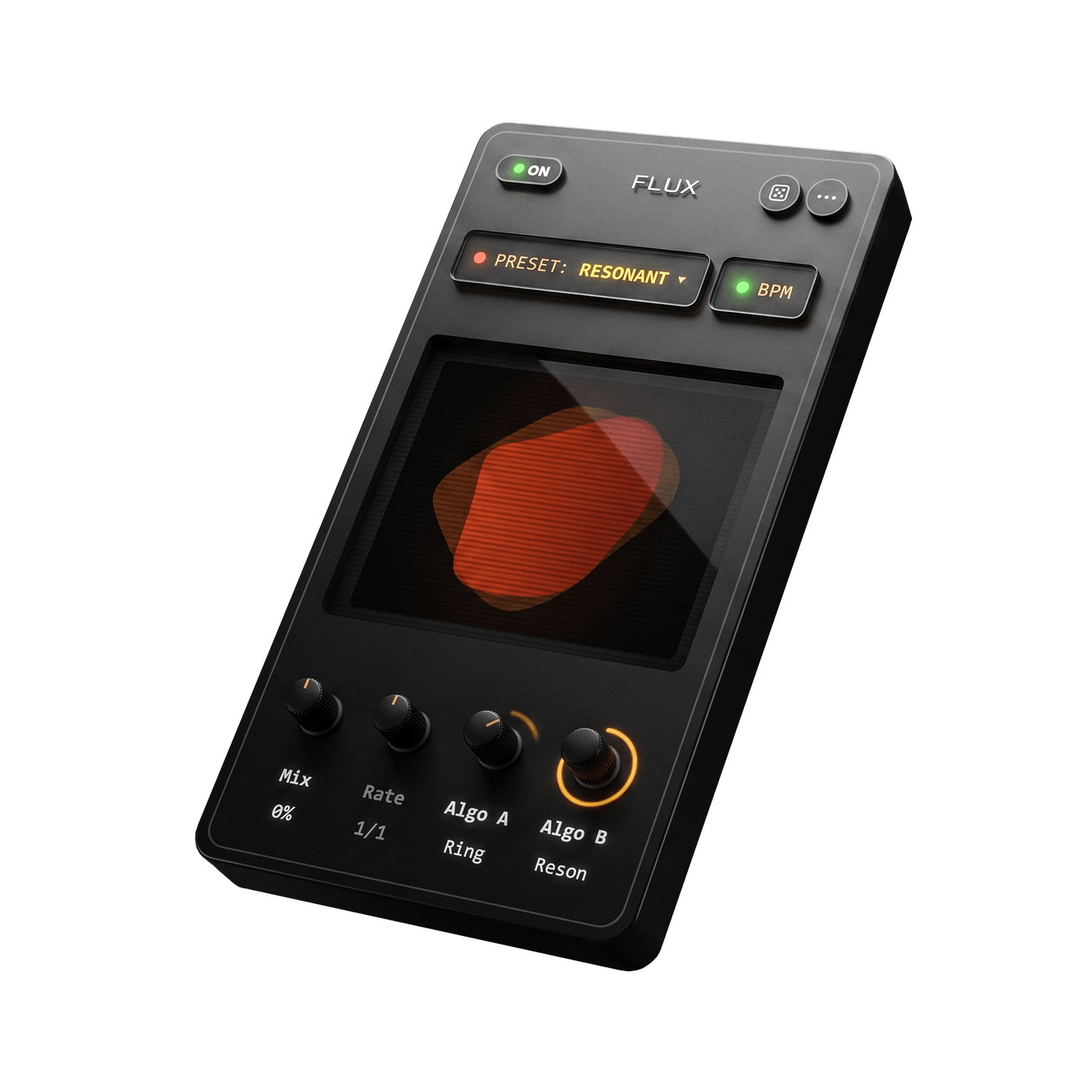
Flux
Two algorithms, one continuous morph.
Instead of picking one effect, Flux blends two: Algo A and Algo B, each chosen independently from nine algorithms, then morphs continuously between them instead of just switching. Mix crossfades from one to the other (drag it right on the display), Rate drives whichever algorithm uses tempo, like Tremolo, synced to your DAW. Start from one of 14 built-in Algo A/B combinations, or build your own.
- Sweep · Ring · Flanger
- Tremolo · Cloud · Shimmer
- Resonator · Doubler · Formant
- Mix (Algo A ↔ Algo B), Rate (tempo-synced)
- 14 built-in presets
- PAR (hear this module isolated from the rest of the chain)
Equalizer
Shapes the chaos, doesn't just clean it up.
This isn't a mixing-desk utility EQ, it's part of the creative chain. Boost a band before Saturation and that frequency distorts harder, cut it and it rides through cleaner: where you place it changes the character of the distortion itself. Low Cut, three parametric bells and High Cut, all draggable directly on the curve, always active. One click moves it Pre or Post the creative chain, each position remembering its own settings. Switch to Linear Phase for a zero-coloration FIR engine when transparency matters more than a few extra milliseconds of latency, and push Oversampling to 2X or 4X if the more aggressive Saturation modes start aliasing.
- Low Cut, 3× parametric Bell, High Cut
- Pre / Post position (one-click switch)
- Linear Phase (IIR ↔ FIR) switch
- Mix (dry/wet for the whole EQ section)
- Oversampling Off / 2X / 4X

Output
Automatic gain compensation.
Auto Gain is always on, silently compensating for the level added by the creative chain, no chasing volume every time you tweak a knob. Input Gain sets the level going into the chain, Level sets what comes out, and an asymptotic Soft Clip lights up whenever it steps in to keep you under 0dBFS.
- Input Gain (level into the chain)
- Level (the plugin's output volume)
- Auto Gain (always on)
- Soft Clip indicator + real-time L/R metering
